Send without a label
Send without printing a shipping label
with InPost Mobile!


Discover the benefits of shipping with the app

No more printing shipping label
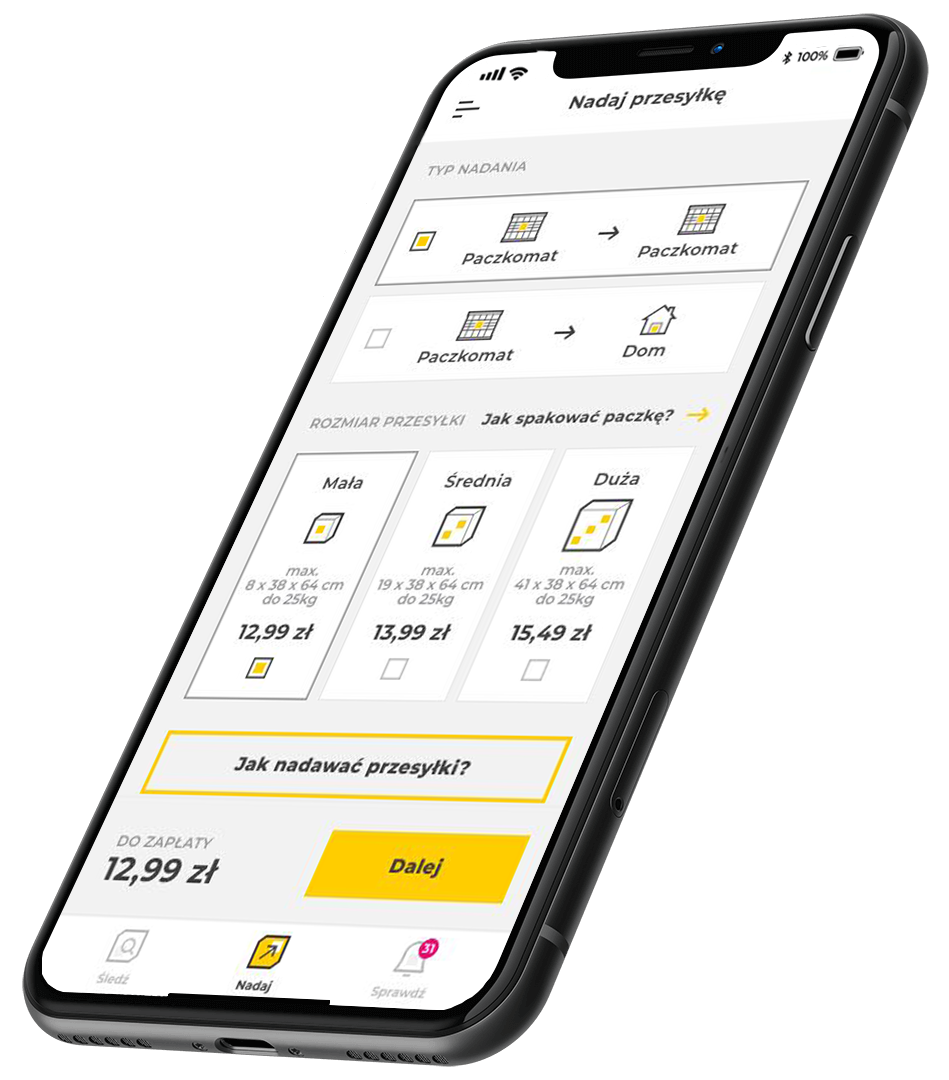
With the InPost Mobile application, you don’t need to print a shipping label and stick it on the parcel. All you need is a shipment code, a QR code, or remote locker opening directly from the app – save time and send parcels even faster!

Pay conveniently
Once you've completed your shipment details, you'll be taken to payment methods. After you pay for the shipment, a 9-digit sending code and a QR code will appear in the application.

You can ship remotely in any Parcel Locker/App Parcel Locker
All you need to do is click "Open the locker remotely" and the locker will open. You can also scan the QR code in the Parcel Locker's scanner. Place the parcel in the locker, close it and you're done – the package has been sent!

No queues and 24/7
When shipping with the app, you can open the locker remotely. This allows you to avoid queues and send shipments when you want. Using the application, you can send a parcel from the Parcel Locker to another Parcel Locker and directly to a home or business address.
Download the app now and send shipments even faster!
Don’t have the app? Remember that you can also send parcels without a label via the InPost Quick Send website.